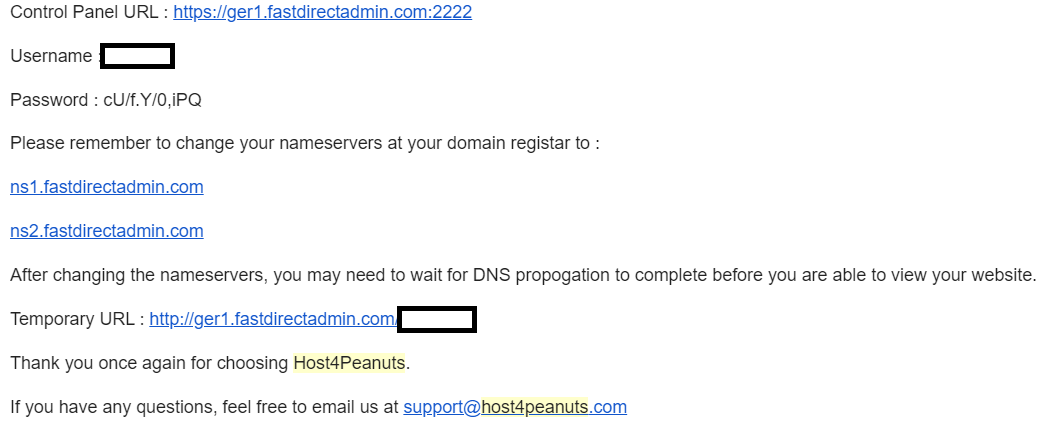
Login Direct Admin
Now that you have change your nameservers, It is time to login your Direct Admin and start customizing your website!
There are 2 methods of doing this;
Method 1: Via Host4Peanuts Client Portal
- Login at Host4Peanuts Client Portal
- Under the services tab, click on the service you want to log into.

- This will open up a dropdown menu which states your username, password, server and LOG IN. Click LOG IN
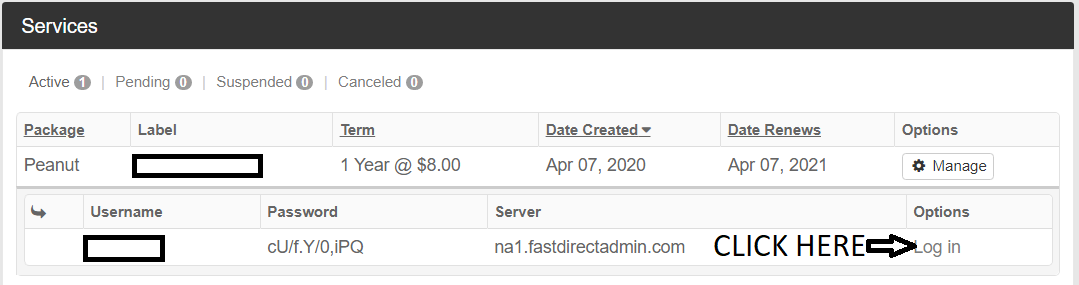
- You will be redirected to you Direct Admin Login page. Enter your login details as shown in step 3 and click SIGN IN TO ACCOUNT.
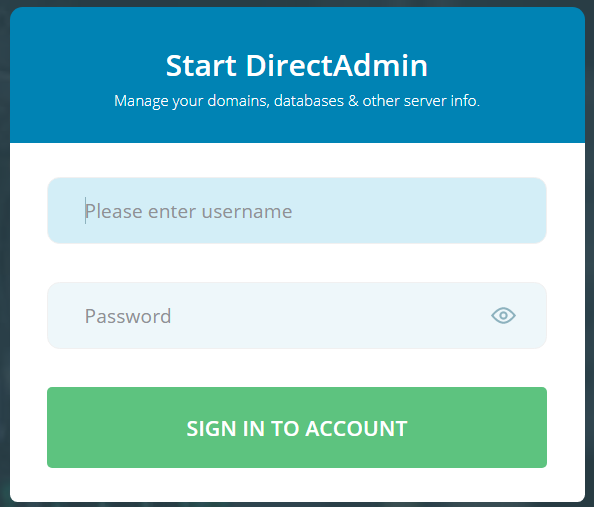
Method 2: Via E-Mail
- Once you have signup with our services, you will be receiving an E-Mail titled "Sales" from sales@clients.host4peanuts.com.
- Your login details and nameservers will be stated in the E-Mail
- Open the Control Panel URL and enter your login details as stated in the E-Mail